
DIY Tips: Maintaining Your Electronics for Longer Life
TC
Regular Cleaning
Keeping your electronics clean is one of the simplest ways to extend their lifespan. Dust and debris can accumulate, leading to overheating and other issues. Use a soft, dry cloth to wipe down surfaces regularly. For hard-to-reach areas, a can of compressed air can be very effective.
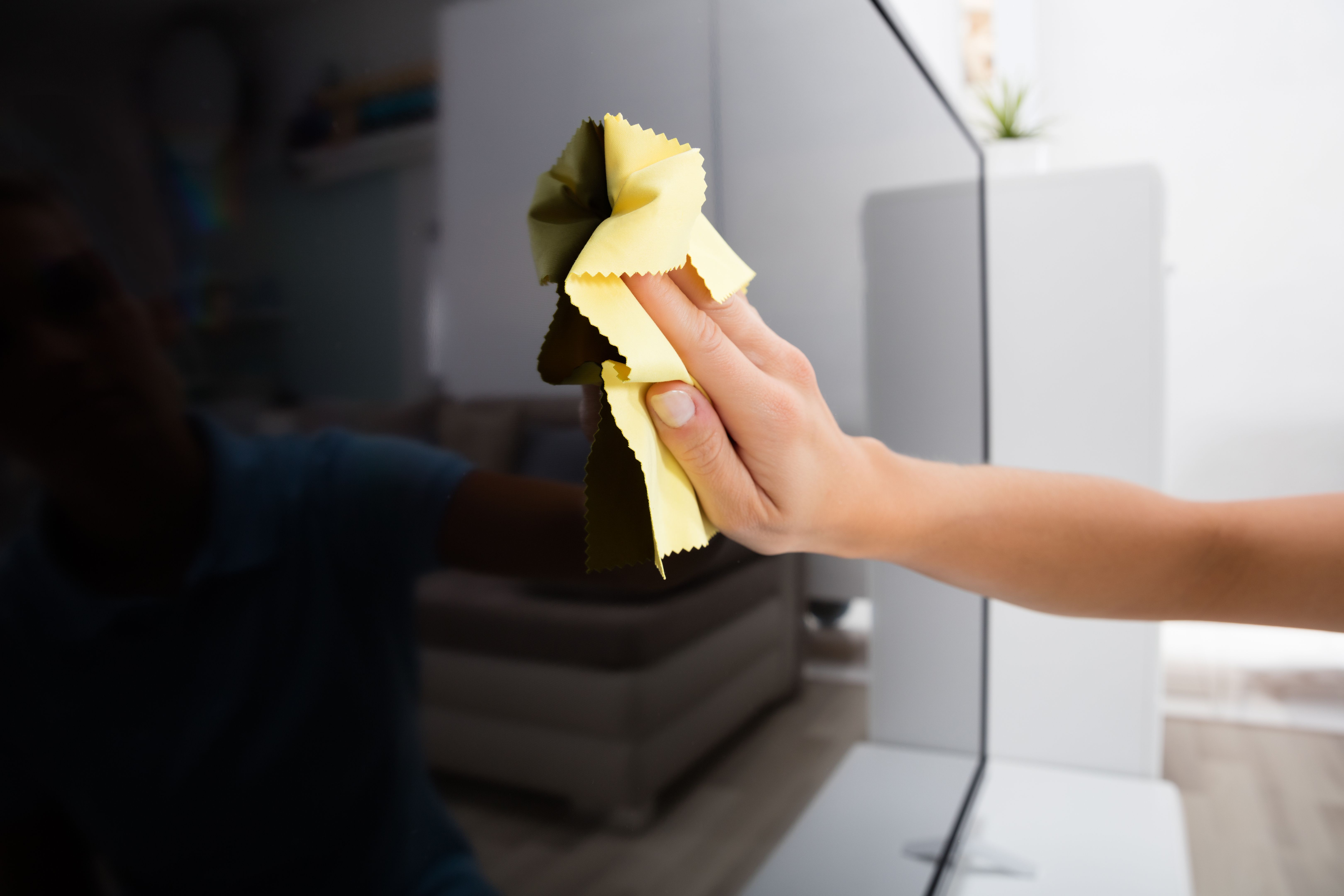
For screens, use a microfiber cloth slightly dampened with water or a screen-safe cleaner. Avoid using paper towels or abrasive materials that could scratch the surface.
Proper Ventilation
Electronics often generate heat, so ensuring proper ventilation is crucial. Place devices in areas where air can circulate freely. Avoid stacking devices or placing them in enclosed spaces like cabinets without proper airflow.
Regularly check and clean the air vents of your devices to prevent dust buildup. This will help maintain an optimal operating temperature and prevent overheating.
Software Updates
Keeping your software up to date is not just about getting the latest features. Updates often contain critical security patches and performance improvements that can extend the life of your electronics.
Set your devices to update automatically if possible. This ensures that you’re always running the latest, most secure version of your software.
Power Management
Proper power management can significantly affect the longevity of your electronics. Use surge protectors to prevent damage from power surges. Consider unplugging devices when not in use to save energy and reduce wear on components.
For battery-operated devices, avoid letting the battery completely drain before recharging. Keeping the battery between 20% and 80% can help maintain its health over time.
Safe Handling
Handle your electronics with care to prevent physical damage. Use cases and screen protectors for mobile devices to guard against drops and scratches. For larger items like laptops, invest in a sturdy bag or case for transport.
Backup and Storage
Regularly backing up your data ensures that you won’t lose important information if something goes wrong. Use cloud storage or an external hard drive for backups.
For devices with limited storage, regularly delete unnecessary files and apps to keep them running smoothly. This can also prevent slowdowns and crashes.
Conclusion
By following these DIY tips, you can help ensure that your electronics serve you well for years to come. Regular maintenance and mindful usage are key to getting the most out of your devices.